Your trips live in your inbox. Theirs live in theirs.
Nobody has the full picture, so nobody can act on it. You find out afterwards, from a photo.
- You flew home on the Monday. They landed two days later.
- You booked a hotel in Porto, where someone you know has lived for years.
- The same market turns up in your feed weeks later. Not your photo.
Set it up once, then it tells you
-
1
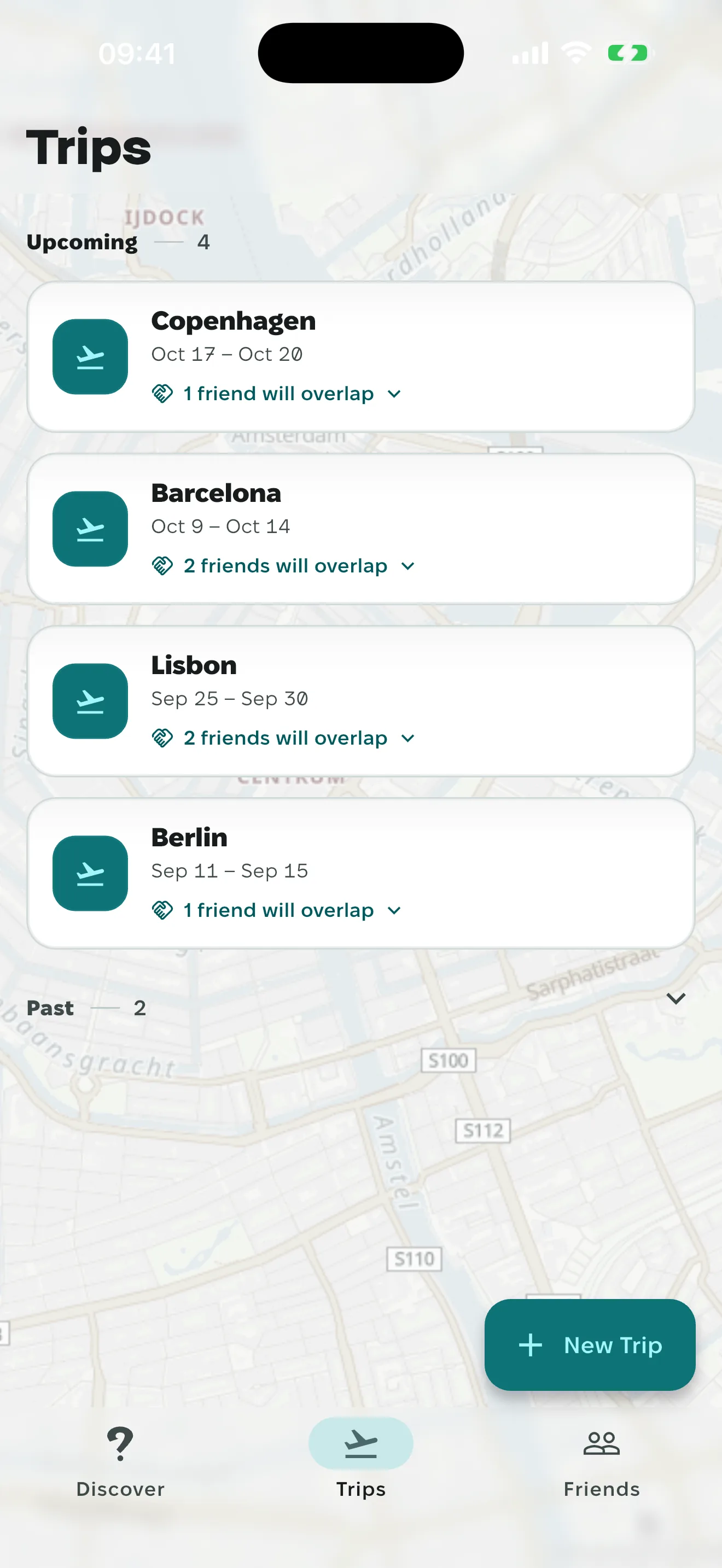
Two dates and a city
A city, two dates, and only the trips that overlap ever reach a friend.
-
2
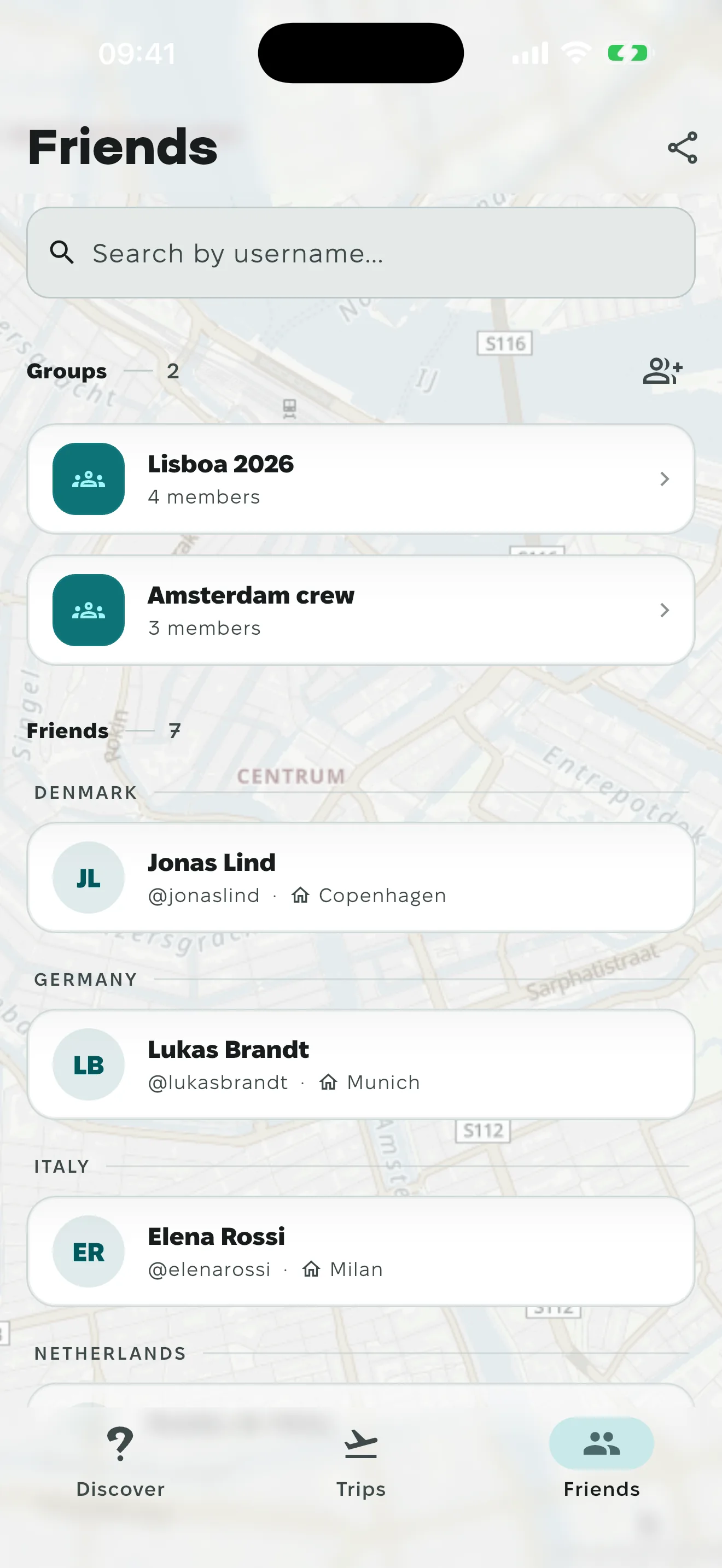
Add your friends
Search a username or send your link. Once accepted, you turn up in each other's matches.
-
3

You find out before you fly home
Your trip lands within 100 km of a friend's and the dates touch. A push tells you.
Skip the friend requests before a conference
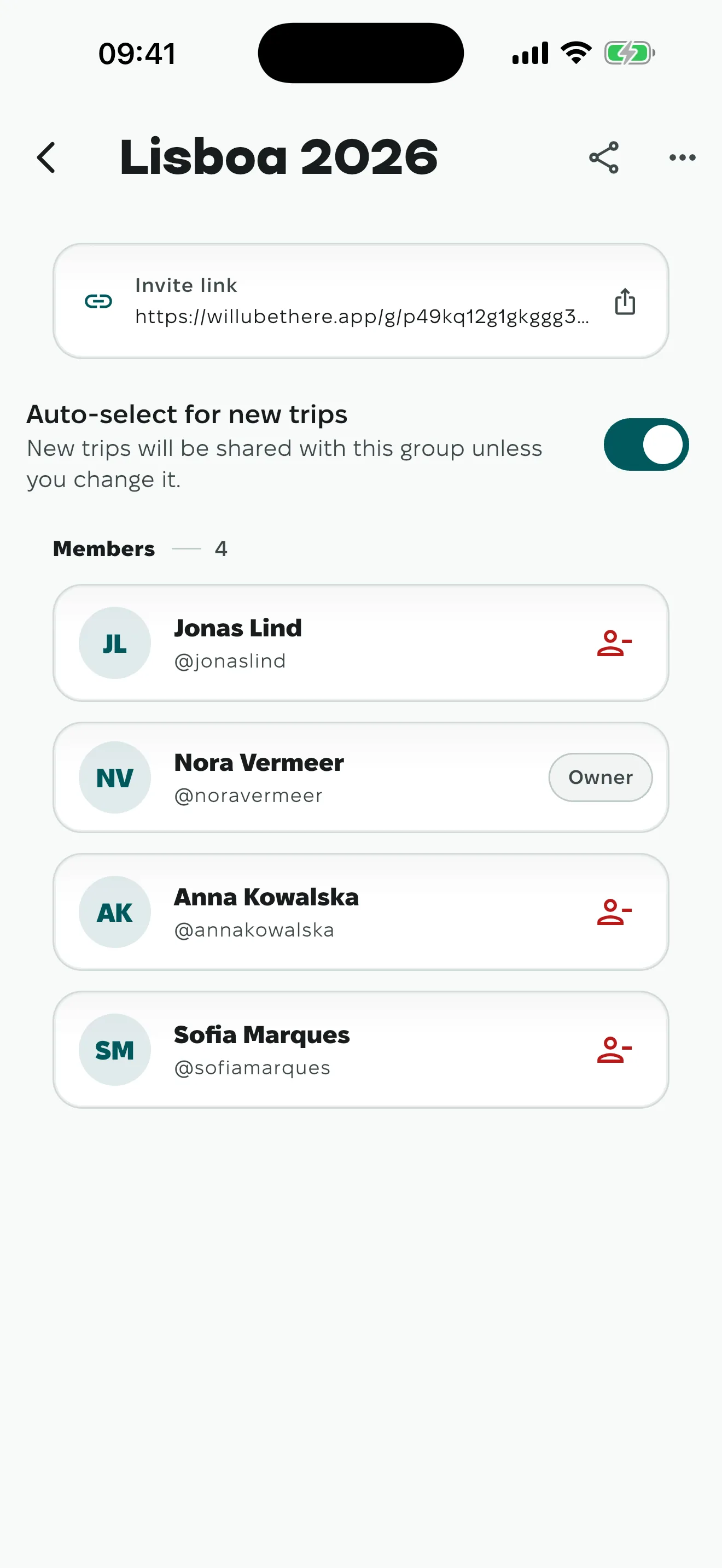
Drop the link in the conference chat. Anyone who joins and adds a trip to it turns up in your matches when the city and dates line up. No friend requests.
- A group for the ski week, another for the conference. 200 people max.
- Per trip, you pick which groups it is allowed to match against.
- An event can go to the groups you choose instead of every friend.
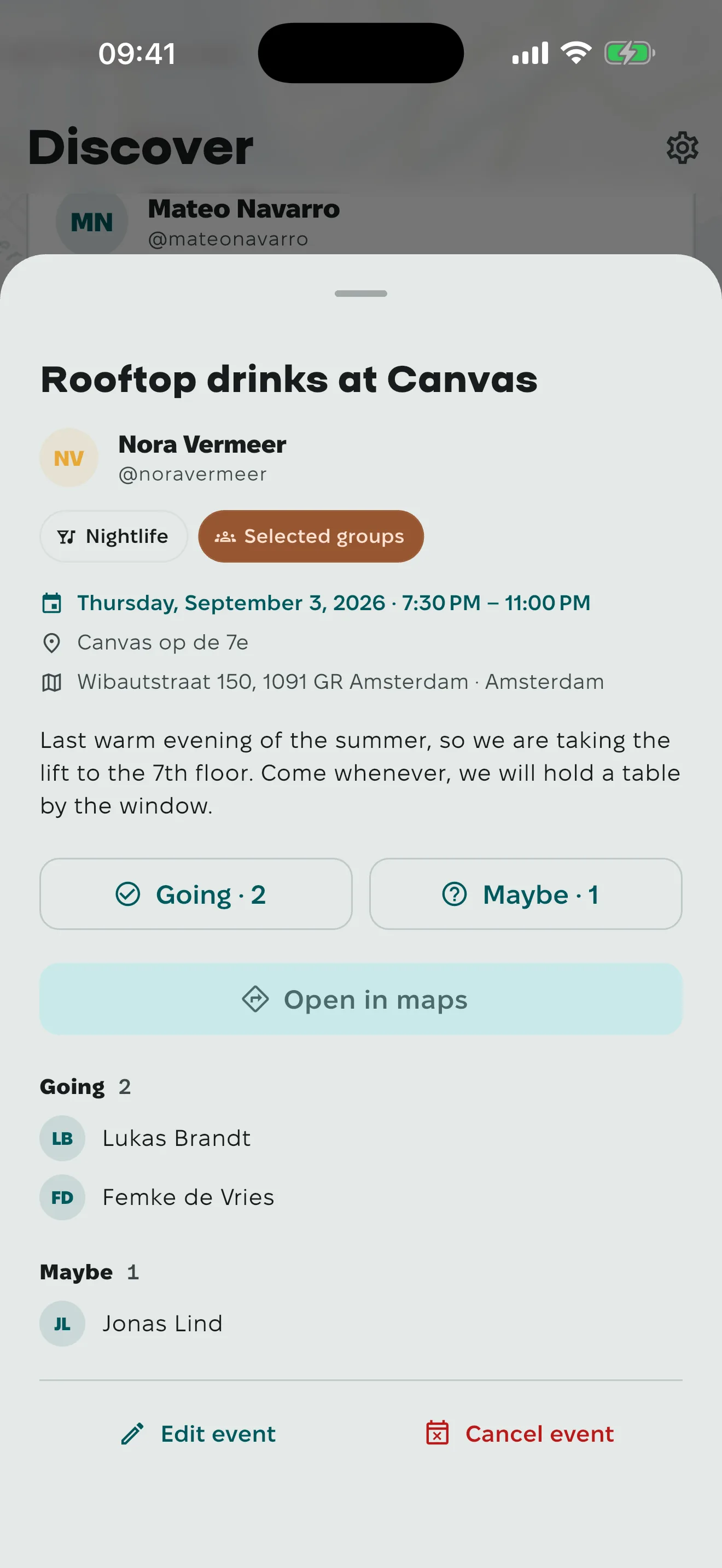
Know who's coming before you book the table
Dinner in Lisbon on the Thursday, and the four people who will turn up for it. Make the event, send it to the people you want, and the answers come back to you.
- Pick the real address off the map, not a guess.
- Send it to all your friends or to the groups you pick. It shows up for the ones who will be nearby.
- People answer Going or Maybe. You see the names.
- Everyone going gets a reminder, and the address opens in maps.
What's on
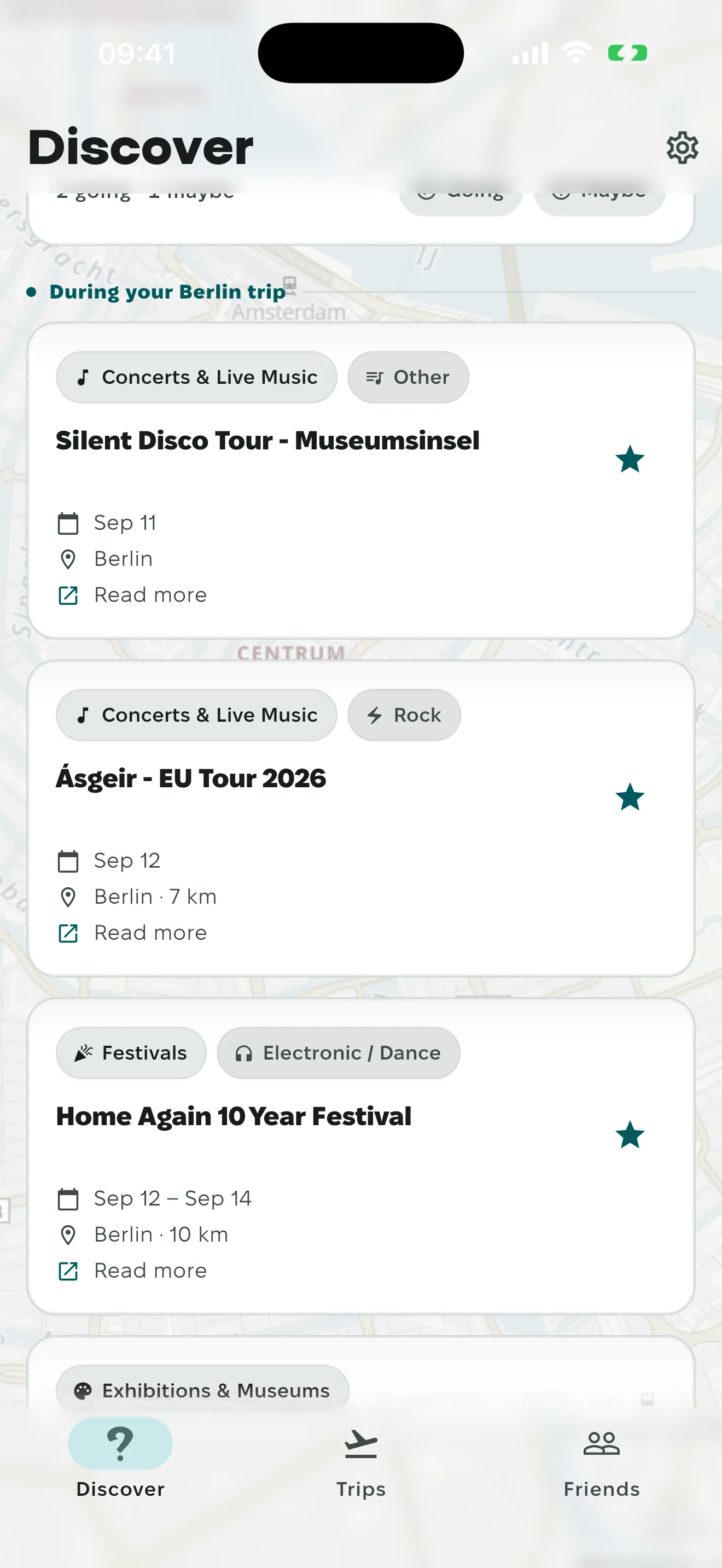
Concerts and markets in the city you'll be in
A trip pulls in what we have within 15 km of where you're staying, inside your dates. Concerts, exhibitions, festivals, markets. We pick the feeds by hand, so some cities are denser than others.
Coverage
The countries we cover, straight from the database
The numbers below come straight from the database and are refreshed daily. Have a look for the countries you keep going back to.
Show fewer
See the source list
What a friend can actually see
- Your full itinerary stays private
- When two trips match, a friend sees that city and those dates. Everything else in your trip list stays where you put it.
- Apple, Google, or a code by email
- The email code is six digits and dies after fifteen minutes. There is no password to leak.
- Delete the account from inside the app
- You type your own username to confirm. Everything is purged after 30 days, and signing back in before then cancels it.
- No ads, and no advertiser buying your location
- There is no ad SDK in the app. Download my data in the profile screen hands you everything the account holds: trips, friends, groups, events.